At Smashed IT, we see all sorts of device mishaps come through the door – from cracked iPhone screens to water-damaged laptops. But one type of repair we’re doing more and more of these days is Microsoft Surface repairs. These sleek, powerful devices are popular with professionals and students across Auckland, but when they break, they’re not the easiest to fix.
As someone who’s been in the repair game for over a decade, I want to share a recent real-world case study from right here in Auckland. It shows not only the challenges of repairing Microsoft Surface devices but also how the right expertise can save customers hundreds of dollars and plenty of stress.
The Case: A Cracked Microsoft Surface Pro Screen
One Monday morning, a customer from Ponsonby walked in with their Surface Pro 7. The device had slipped out of their backpack during the morning commute and hit the pavement. The result? A completely shattered screen, with touch functionality no longer working.
They’d already contacted Microsoft support, only to be quoted a replacement cost that was nearly the same as buying a new device. That’s when they found us at Smashed IT, specialists in device repairs across Auckland.
The Challenge: Precision & Delicate Hardware
Repairing a Microsoft Surface isn’t like swapping out an iPhone screen. These devices are built with strong adhesives, slim frames, and fragile components packed tightly together. If you’re not careful, you risk damaging the LCD or even the motherboard.
For this Surface Pro, the challenge was twofold:
- Removing the cracked screen without putting pressure on the LCD.
- Fitting the replacement screen so that touch responsiveness and display clarity were just as good as new.
This required heat-assisted adhesive removal, specialised tools, and steady hands – skills honed over years of repairing Surface devices across Auckland.
The Repair Process
Here’s how we tackled the job step by step:
- Diagnosis: First, we ran a quick check to make sure the damage was limited to the screen and not affecting the motherboard.
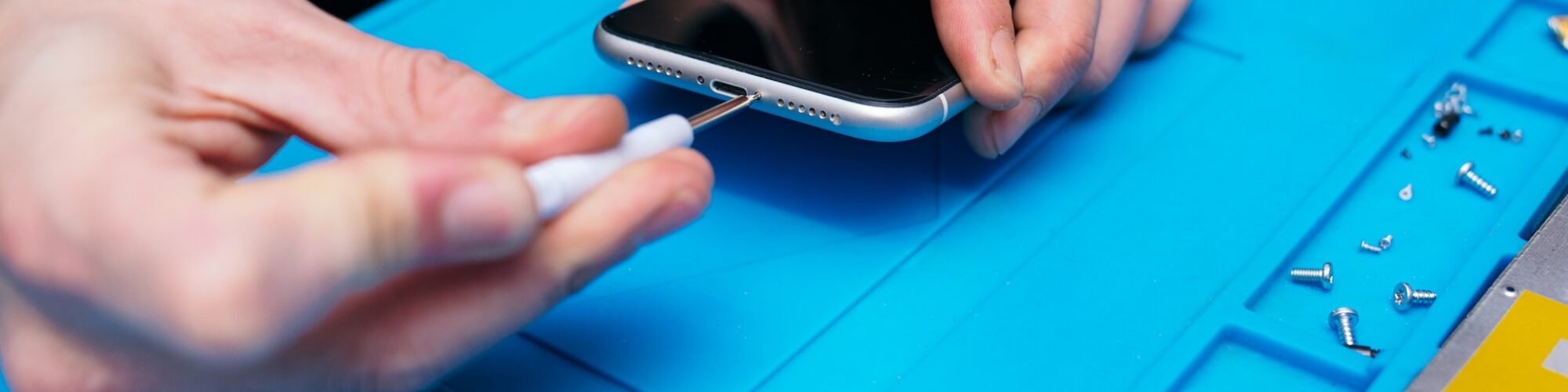
- Heat & Removal: Using precision heating tools, we softened the adhesive and carefully lifted the shattered glass.
- Screen Replacement: We fitted a genuine replacement screen sourced from our trusted suppliers.
- Testing & Calibration: Once installed, we tested touch sensitivity, brightness levels, and alignment to ensure everything worked seamlessly.
Within 2.5 hours, the Surface Pro looked and worked as if it had just come out of the box.
The Outcome
The customer was relieved – not only had we saved them from buying a brand-new Surface Pro, but we also got their device back to them the same day. The repair cost was a fraction of the replacement price, and they left with a 6-month warranty for peace of mind.
Why Aucklanders Choose Smashed IT
Over the years, I’ve repaired hundreds of devices across Auckland, and one thing remains constant: customers want fast, affordable, and reliable repairs. We pride ourselves on offering exactly that.
- Local Auckland-based service – no need to send your device away for weeks.
- Experienced technicians – we’ve seen it all and know how to handle delicate devices.
- High-quality parts – we don’t cut corners with cheap replacements.
Whether you’re in the CBD, Ponsonby, North Shore, or out East, you can trust us to bring your Surface – or any other device – back to life.
Final Word
Your Microsoft Surface is an investment. When accidents happen, don’t panic and don’t rush into buying a new one. With the right hands and the right tools, most issues can be fixed quickly and affordably.
As one of Auckland’s go-to repair technicians, I can confidently say – if your Surface is smashed, Smashed IT has got you covered.